
Restore Old Photos Online
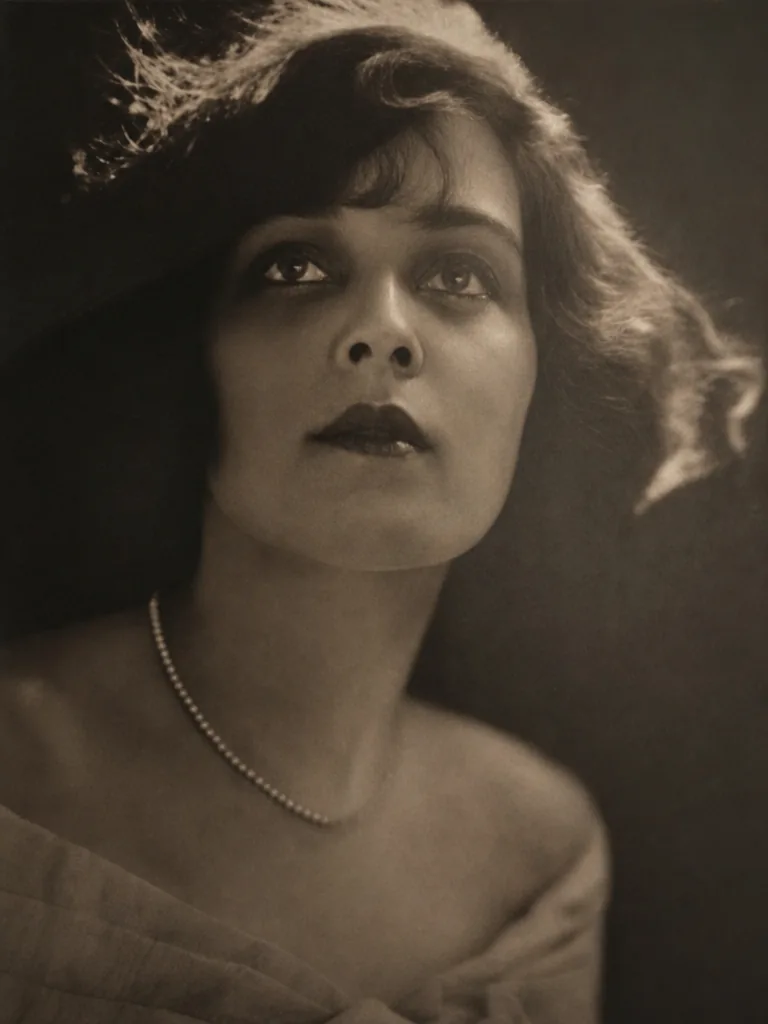
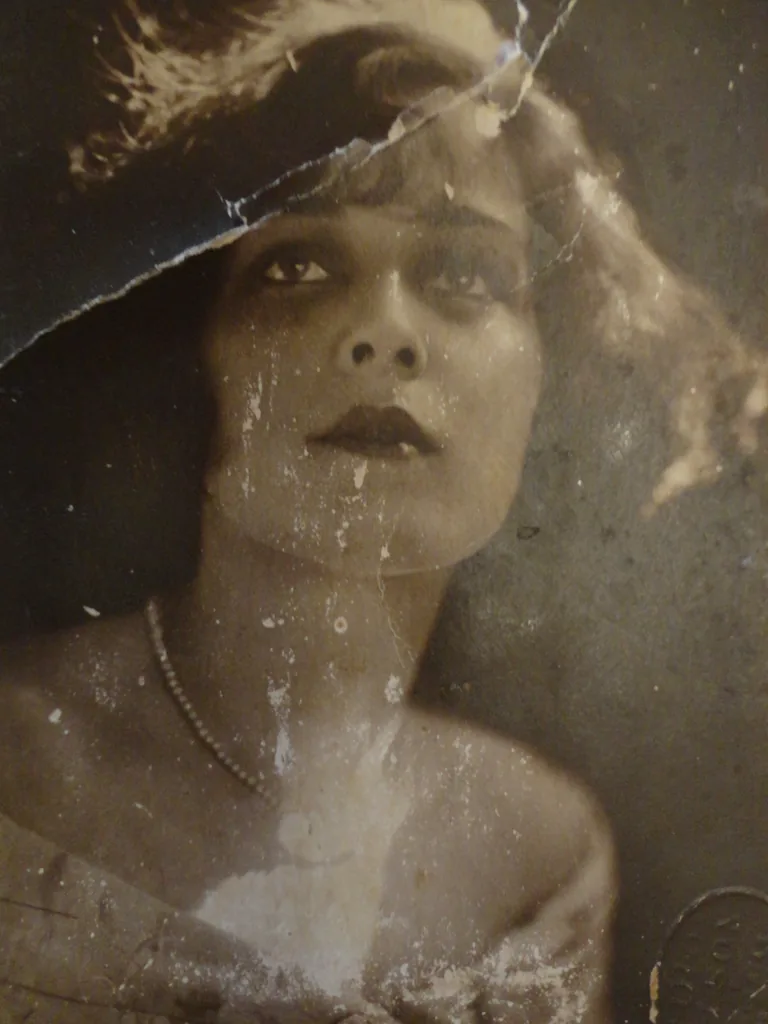
Image
Preset
Fix Scratches, Fading & Blur with AI — Free, No Watermark
What Can This Restore Old Photos Tool Do?
One online AI photo restoration workflow for the most common old-photo problems — fading, scratches, dust, blurry faces, low resolution, and black-and-white colorization. Six capabilities, zero manual editing.
Repair Scratches, Dust, and Cracks
Clean visible age damage from old photos — scratches, creases, water spots, and dust — automatically in one pass. No manual brushwork, no Photoshop skills needed.

Restore Faded Colors and Contrast
Recover contrast, skin tone, shadows, and background separation. Our AI corrects yellowing, color shifts, and sepia fading on prints from the 1970s–1990s, returning old photos to how they looked the day they were taken.

Recover Face Details Without Changing Who They Are
Faces are the most personal part of restoration. Our AI recovers skin texture, eye sharpness, and hair detail without replacing or fabricating the person's real features. Your grandmother still looks like your grandmother.

Sharpen Blurry Scans and Low-Resolution Photos
Improve soft details from phone captures, compressed files, and low-resolution scans. The AI recovers real facial detail and sharpens edges without making the photo look over-processed.

Colorize Black & White Photos Naturally
Restore clarity first, then add natural, lifelike color to black-and-white memories — with accurate skin tones and period-appropriate colors. Not cartoonish filters, real color restoration.

Upscale to HD & Batch Restore Entire Albums
Boost resolution up to 4K for print-ready quality. Upload a folder of old photos and restore them all at once — consistent quality, no per-photo limits. Ideal for digitizing family albums and archival collections.

How to Restore Old Photos — 3 Steps, Zero Learning Curve
No editing skills, no software to install, no waiting for days. Upload, let AI work, and download — that's it.
1. Upload Your Old Photo
Drag and drop, click to browse, or paste an image URL. Supports JPG, PNG, and WEBP files. Your photo is encrypted during upload and never stored longer than needed for processing.
2. AI Restores It Automatically
In seconds, the AI scans your photo, identifies damage — scratches, faded spots, blurry faces, missing color — and repairs everything in one pass. No sliders to adjust, no settings to figure out.
3. Download Your Restored Photo — Watermark-Free
Preview the result, compare with the original, and download your restored old photo in HD — watermark-free, ready to print, share, or archive.
Who Restores Old Photos with Our Tool
From family archivists to genealogy researchers — anyone with old printed photos can restore them to clean, shareable digital copies in seconds.
Preserving Family Photo Albums
Families with boxes of fading prints from the '70s, '80s, and '90s. Restore old photos before the colors fade further — share renewed versions with parents, kids, and grandkids. Faster than scanning and manually editing each photo, and the restored faces actually look like the people you know.
Restoring Wedding & Anniversary Memories
Decades-old wedding photos that have yellowed, cracked, or lost their vibrancy. Give your parents or grandparents a renewed version of their special day — clear, colorful, and frame-ready, without spending $50+ per photo at a restoration service.
Genealogy & Historical Research
Genealogists and history enthusiasts working with vintage portraits, archival documents, and black-and-white photos from the early 1900s. Restore old photos with added clarity and realistic color — great for family history books, museum displays, and documentary projects.
Restoring Vintage Portraits & Headshots
Old portrait photos where faces have become blurry, faded, or damaged. Our face-aware AI recovers eye detail, skin texture, and natural expressions — so restored portraits still look like the real person, not an AI-generated approximation.
Digitizing Photo Archives in Bulk
Libraries, museums, and families with hundreds of old photos to preserve. Upload entire folders and let the AI restore old photos in batch — consistent quality across the whole collection, no per-photo fees, no manual retouching.
Why Families Choose Our AI Photo Restorer
Built around what matters when you restore old photos: natural-looking faces, private handling, watermark-free downloads, and no credit card to start.
Faces stay real — no AI face fabrication
Most AI restorers smooth faces into generic, unrecognizable versions. Our model recovers real detail — skin texture, eye shape, hair — without replacing who the person is. When you restore old photos of your grandmother, she still looks like your grandmother.
Free to start — no watermark, no credit card
Sign up and get free credits to restore your first old photos at no cost. No watermark on any download, free or paid. See exactly what the AI can do before deciding if it's worth more.
Private by default — auto-deleted after 24 hours
No human ever sees your photos. Processing is fully automated. All uploaded and restored files are permanently deleted within 24 hours. Your family memories stay yours.
Why users choose it
No software install
Restore old photos online in any browser — no Photoshop, no desktop retouching tools, no mailing prints to a studio.
Works with common image formats
Upload JPG, PNG, WebP, or HEIC files and turn old scans or phone captures into clear, print-ready digital copies.
Start Restoring Old Photos for Free
Try AI old photo restoration online with free credits. Upgrade when you need higher-volume restoration, 4K output, or more family photos processed.
Basic
For improving everyday photos and light batch cleanup
- 1,200 enhancement credits included every month
- Handle everyday HD conversions and light batch cleanup
- Access higher-quality AI enhancement modes
- Great for portraits, product shots, and old photos
- Encrypted history by default
- Email support
- No watermark on exported images
Pro
For creators enhancing more images with 4K-ready output
- 3,000 enhancement credits included every month
- Higher monthly volume for client or store image sets
- 4K-ready enhancement and upscale workflows
- Better fit for batch cleanup and repeat edits
- Encrypted history by default
- Priority email support
- Cleaner turnaround for commercial image delivery
Max
For teams handling high-volume photo enhancement
- 8,000 enhancement credits included every month
- High-throughput HD conversion for large libraries
- Built for repeatable team or ops workflows
- Useful for catalogs, archives, and restoration queues
- Encrypted history by default
- Priority customer support
- No watermark on exported images at scale
Need more HD credits?
One-time purchase. Add credits anytime. Same 1,200 credits and price as the Basic monthly plan.
Frequently Asked Questions About Restoring Old Photos
What is AI old photo restoration?
Is it really free to restore old photos?
Do I need to create an account?
Will my restored photos have a watermark?
Does the AI change how people's faces look?
How long does it take to restore an old photo?
What types of damage can it fix?
Is it safe to upload my personal family photos?
What file formats are supported? Can I print the restored photos?
Can I restore black-and-white photos and add color?
How does AI restoration compare to hiring a professional?
Can I restore old photos on my phone?
Restore Old Photos Online Now
Upload an old family photo, repair age damage with AI, and download a clean, watermark-free restored image in seconds.
Restore Old Photos Online with AI Photo Restoration
Restore old photos online with an AI photo restoration tool built for faded portraits, scratched prints, blurry scans, black-and-white photos, and damaged family pictures. Upload a JPG, PNG, or WEBP image, let AI repair scratches, dust, fading, noise, and blur, then preview and download a clean, watermark-free restored photo. This restore old photos page is built around real search intent: people want to restore old photos that are fast, natural-looking, and easy to use without manual retouching. Use HD Photo Converter as your AI old photo restoration tool to preserve family albums, repair damaged portraits, revive black-and-white images, and create clearer digital copies for sharing, archiving, or printing. Whether you need to restore old family photos from the 1970s, fix scratched wedding pictures, colorize black-and-white portraits, or batch-restore an entire archive — our AI handles it in seconds. Free to start, no watermark, faces stay real, and your photos stay private.